





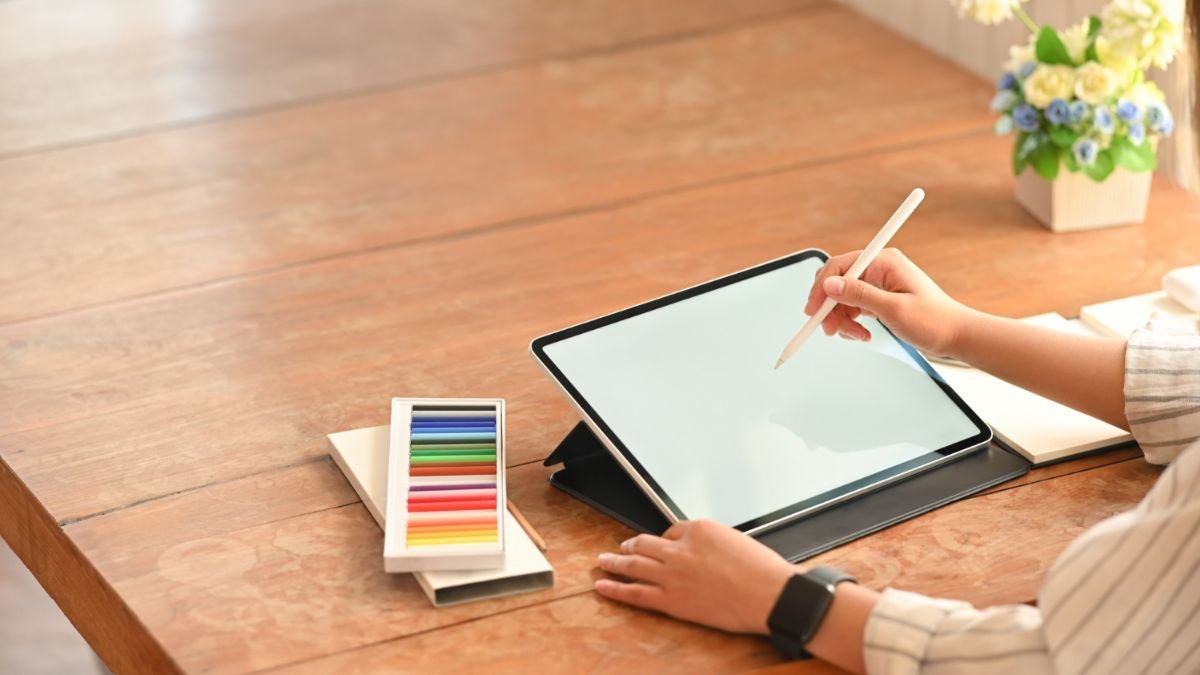
Acer has made a very notable design statement with the Acer Swift 16 AI and it is considered a flagship machine that is targeted squarely at digital creators. Instead of being purely concerned with raw performance, or thin out the design as much as possible, Swift 16 Drawing Tablet has a trackpad, which is a creative input surface. This shift is representative of an increasingly high demand for devices that can cope with drawing, editing and design works, without any external accessories.
The Swift 16 is one of the new Copilot+ range of PCs by Acer, and is powered by Intel Core Ultra Series 3 processors. However, it is not the CPU that is the real attention grabber, it is the trackpad that brings about a change in the creative tasks that can be done on laptops.
The World’s Largest Haptic Touch Pad
The Swift 16 has what Acer has said is the largest haptic touchpad in the world. At 175.5mm by 109.7mm with a 16:10 aspect ratio, it does have quite a bit of surface area compared to an ordinary laptop trackpad.
What really helps to make it go over the top is native support for MPP 2.5 stylus input. This means that sketching, annotating or animating, or modeling can be done directly on a trackpad using pen accuracy. For those creators who like to carry a separate drawing tablet around, this modern-day solution removes the clutter and also the hassles of having to deal with cables, drivers and accidental disconnections.
Stylus Precision with no External Hardware
Traditional trackpads are not a word that you could use to describe as precise. The cheaper the model is, the more problems are likely to have either poor lag or poor sensitivity or even palm reject performance so as to be suitable for detailed creative work. Acer’s solution has solved those problems by designing the trackpad from the ground up to be a stylus-friendly surface.
The haptic feedback enables the possibility of faithful physical responses while the Corning Gorilla Glass coating makes the material strong and smooth. This combination makes for a responsive and reliable experience that’s closer to dedicated pen input devices, especially for artists who need to work on the go and tend to be more interested in speed and convenience.
Premium Performance to Maintain with the Ambition
The internal hardware of the Swift 16 is making the creative focus of the Swift possible. Configurations peak at an Intel Core Ultra X9 388H processor which is fitted with integrated Intel Arc B390 graphics. This setup is designed for dealing with demanding workloads such as high-resolution photo editing, dealing with complicated illustrations or working on huge files with creative projects.
While integrated graphics aren’t going to replace a high-end discrete GPU the amount of performance they are capable of is more than enough to handle the majority of creative professionals that place importance on portability and power.
A Display which is Designated for Visual Accuracy
The 16 inch screen fits perfectly with the creative features. Acer uses a 3K OLED WQXGA+ touch panel which has an edge to edge glass with sharp and immersive viewing experiences. In refresh rate, 120Hz with 100 percent color coverage has DCI-P3 making the screen ideal for color-sensitive work.
VESA DisplayHDR True Black 500 certification ensures that it has deep blacks as well as good contrast, making illustrations, videos and animations pop out. Whether it’s drawing ideas down on paper, or going over finished work, the display helps to cement the positioning of the Swift 16 as a creator-oriented laptop that is.
Audio and Build Quality Add to the Experience
Sound quality can be a back burner on productivity laptops although Acer has given a little attention here too. Dual DTS:X Ultra speakers with anti-vibration technology which gives clear and immersive sound. This is useful not only for media consumption, but also for video editing and conferencing.
The overall build is, as expected, the best in the premium build. The glass-covered touchpad, thin bezels and the solid chassis give the Swift 16 a quality feel to match its flagship pricing band.
Connectivity That Fits a Creator’s Workflow
Connectivity options are good with the Swift 16. Dual Thunderbolt 4 Type-C ports have high-speed data transfer and external displays whereas standard USB Type-A ports have backwards compatibility with older peripherals. HDMI 2.1 provides for modern connections of monitors and finally, the addition of a MicroSD card connection is a very practical addition for the photographer and videographer.
Wireless connectivity – 7 Wi-Fi or Bluetooth 5.4 or later – for quick and stable connectivity of cloud-based workflows and accessories.
Copilot+ Capabilities and Acer’s Improvements in AI
As a Copilot+ PC, the Swift 16 takes advantage of on-device AI processing brought to you by Intel Core Ultra Series 3 processors. This provides access to arbitration like Windows Recall Device, advanced microphone and camera impacts, and other AI-driven capabilities for productivity tools.
Acer introduces its own software layer with PurifiedVoice using AI to cancel noise and PurifiedView for video optimization for calls. These tools help us to increase remote collaboration and content creation without relying too much on cloud processing.
Conclusion
One of the most disregarded parts of a laptop computer is rethought by Acer Swift 16. Turning the trackpad up a notch to a creative input surface is a practical innovation and is not as much of a gimmick especially when it comes to users who sketch, annotate or design while away from a desk.
By combining a three-dimensional massive haptic touchscreen, stylus support, color-accurate OLED screen and AI modern functions, Acer has you the laptop computer that truly is designed particularly for digital creatives. The Swift 16 doesn’t just add power – but it does add a new way to interact with creative work – and makes it one of the more interesting laptop flagships in its category.
Also Read: How to Reset Airpods – Step by Step Tutorial
About the Author
