




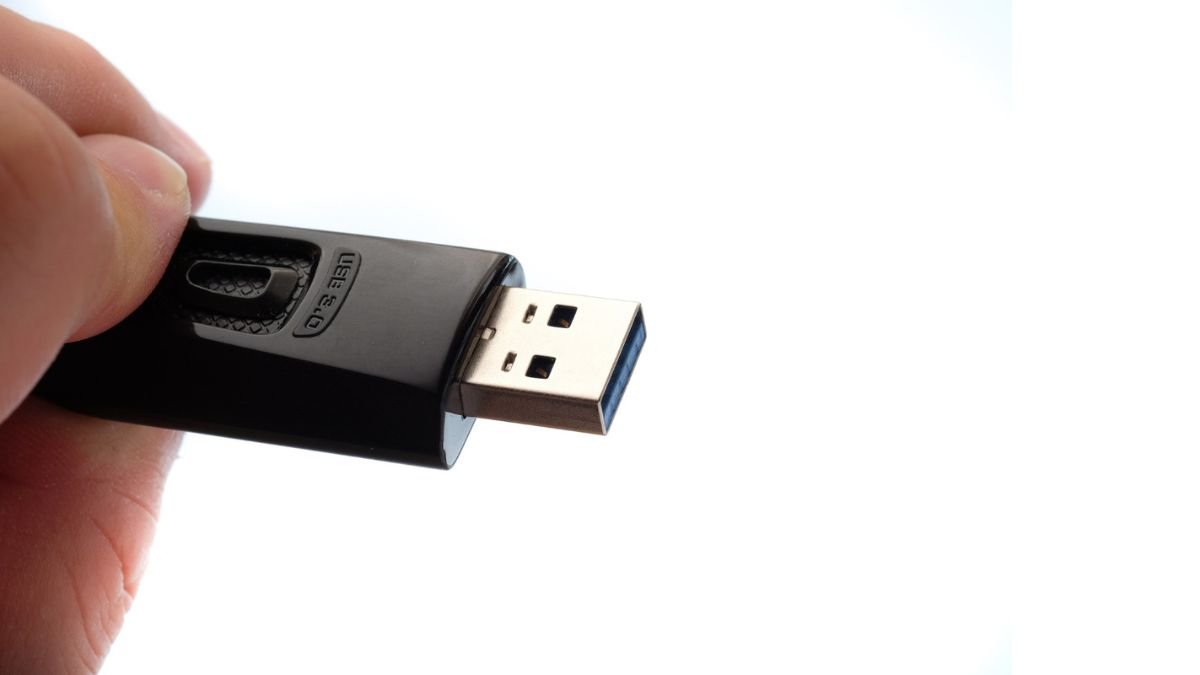
Your USB drive can do a lot more than just store files – but it can truly become a great portable cybersecurity toolkit. With the right open source tools, you can carry a whole security environment in your pocket, ready to tackle such tasks as password management, anonymous browsing, penetration testing and network analysis.
These tools are particularly useful for people who are involved in IT, ethical hackers and people who are conscious of their privacy needs and need flexibility and mobility. As opposed to having to install software on every system, you can plug-in your USB and have access to a whole security setup.
Let’s get into 4 Open-Source Apps That Turn a USB Drive Into a Security Kit.
1. Kali Linux (Portable Penetration Testing operating System)
One of the most popular is Kali Linux, which is a full-fledged operating system made for cybersecurity and ethical hacking.
It can be installed inside a USB drive and used a live boot system, meaning that it can be used without affectin the host computer.
Key Features:
- Hundreds of In-built security tools|
- Network scanning & Testing for vulnerabilities
- Password cracking & wireless auditing
- Web application security penetration testing
Kali comes with such tools as Nmap, Wireshark and Metasploit for more advanced security analysis.
Best for: Ethical hackers & Cybersecurity professionals
2. Network Security Toolkit (NST)
Network Security Toolkit (NST) is another very powerful open source solution and runs from a USB Drive.
It is targeted towards network monitoring, analysis and security testing, therefore becomes useful for IT administrators and analysts.
Key Features:
- Network traffic analysis
- Packet capture tools
- Security monitoring dashboards
- Built-in web-based interface
NST has a huge number of well-known open source security tools hence it is a complete network diagnostics tool.
Best for: Network administrators; security analysts
3. Linux Kodachi (Private and Anonymous OS)
If your priority is privacy and anonymity, then Linux Kodachi is a great option.
It’s a live running OS, capable of running off a USB stick, and is supposed to provide secure and anonymous access to the Internet.
Key Features:
- Built-in VPN and Tor routing
- Anti-forensics tools
- Secure environment for browsing
- Privacy-focused design
Kodachi maintains that the internet activity you are involved in is your private resource and does not give much clues about the host-system.
Best for: Privacy-conscious users, as well as secure browsing
4. KeePass ( Portable Password Manager )
Not all security tools must be complex. KeePass is a lightweight and open-source password manager that runs directly from a USB drive.
Key Features:
- Stores passwords in encrypted databases
- Works offline for maximum security
- No installation required
- Supports strong encryption algorithms
With this one can safely carry all your credentials and use these credentials on any computer without leaving any traces.
Best for: Users on a global scale & Password security
Why USB Security Toolkit Can Be Used?
Converting a USB drive to a security kit has a number of benefits:
- Portability – Carry your tools anywhere that has software on it without needing to install the software.
- Security – Be very careful not to have sensitive data stored on shared systems.
- Flexibility – Should use the same environment on more than one device.
- Efficiency – Access powerful tools in moments of need.
Important Safety Note
These ones are strong and only they should be used:
- On systems you own
- With proper authorization
- For the sake of ethics and legality
The incorrect use of security tools can bring on legal consequences.
With the growing amount of digital threats on the increase, it is not just a nice toolbox to have with you, but it’s becoming an everyday requirement.
Also Read: CBSETak Org: The Complete Guide, The Features, and The Legitimacy
About the Author
